Support our educational content for free when you buy through links on our site. Learn more

How Can I Record a Song for Free? 10 Proven Ways (2025) 🎙️

Imagine this: a few years ago, recording a song meant booking expensive studio time, renting gear, and navigating complex equipment. Today? You can create a polished track entirely for free—right from your bedroom, laptop, or even your smartphone. Sounds too good to be true? Stick with us, because we’re about to unveil 10 proven ways to record a song for free in 2025, using powerful tools like Audacity, BandLab, and GarageBand, plus insider tips on microphones, plugins, and DIY acoustic hacks. Whether you’re a bedroom producer or a curious newbie, this guide will help you turn your musical ideas into reality without spending a dime.
But wait—there’s more! We’ll also share inspiring success stories of artists who started with zero budget and made it big, plus common pitfalls to avoid so your free recording journey is smooth and fun. Ready to level up your music game? Let’s dive in!
Key Takeaways
- Free DAWs like Audacity, BandLab, and GarageBand offer professional-grade recording and editing tools accessible to everyone.
- You don’t need expensive gear: smartphones and budget mics can capture great sound when paired with smart techniques.
- Royalty-free samples and free virtual instruments unlock endless creative possibilities without cost.
- DIY acoustic treatment and workflow hacks can dramatically improve your recording quality on a shoestring budget.
- Online platforms like BandLab and Soundtrap enable seamless collaboration and distribution for free.
- When you’re ready, selective upgrades can enhance your setup, but starting free is more than enough to create hits.
Ready to start recording? Check out these must-have tools and gear:
- Microphones: Blue Yeti | Rode NT-USB
- DAWs: Audacity | BandLab | GarageBand
- Plugins & Samples: MT Power Drum Kit | 99 Drum Machines
Dive in, experiment, and make your music dreams come true—without spending a cent!
Table of Contents
- ⚡️ Quick Tips and Facts
- 🎶 The Democratization of Sound: A Brief History of Free Music Production
- 🧐 Unpacking ‘Free’: What Does Recording a Song for Zero Bucks Truly Entail?
- 🎸 The Bare Necessities: What ‘Free’ Recording Still Needs (Spoiler: Not Much!)
- 1. Your Digital Playground: Top Free Digital Audio Workstations (DAWs) to Get Started! 🚀
- Audacity: The OG Open-Source Audio Editor
- GarageBand: Apple’s Gift to Aspiring Musicians
- Cakewalk by BandLab: A Full-Featured Powerhouse for Windows
- BandLab: Your Mobile & Web Studio in One!
- Soundtrap by Spotify: Collaborative Cloud-Based Creation
- Waveform Free by Tracktion: Professional Features, Zero Cost
- Ableton Live Lite: A Taste of the Big Leagues
- FL Studio Mobile (Trial/Demo): On-the-Go Beat Making
- 2. Unleash Your Inner Orchestra: Finding Free Virtual Instruments and Royalty-Free Samples 🎹
- 3. Sonic Sculpting: Essential Free Effects Plugins to Polish Your Sound ✨
- 🎤 Mic Check, One Two: Recording Vocals and Instruments Without Breaking the Bank
- 🏠 Transforming Your Space: DIY Acoustic Treatment on a Shoestring Budget
- 🎚️ The Final Polish: Mixing and Mastering Your Tracks for Free (Yes, Really!)
- 🤝 Team Up for Free: Online Collaboration Tools for Your Musical Crew
- 🌍 From Your Hard Drive to the World: Free Music Distribution and Promotion Platforms
- ⬆️ Beyond the Basics: Leveling Up Your Free Recording Game
- 🐉 Beware the Dragon: Common Pitfalls in Free Music Production (and How to Slay Them!)
- 🌟 From Bedroom to Billboard: Inspiring Success Stories from Free Recording Setups
- Conclusion
- Recommended Links
- FAQ
- Reference Links
⚡️ Quick Tips and Facts
Looking to record a song for free? 🎶 You’re in luck because we’ve got the scoop on the best ways to do just that. Check out our article on 7 Best Ways to Get a Free Personalized Song in 2025 🎵 for some inspiration. Here are some quick tips to get you started:
- Choose the right software: Opt for a free digital audio workstation (DAW) like Audacity or GarageBand.
- Invest in a good microphone: You don’t need to break the bank, but a decent mic will make a huge difference in sound quality.
- Keep it simple: Don’t overcomplicate your recording process. Start with a simple setup and build from there.
- Practice makes perfect: The more you record, the better you’ll get. So, keep at it and have fun!
🎶 The Democratization of Sound: A Brief History of Free Music Production
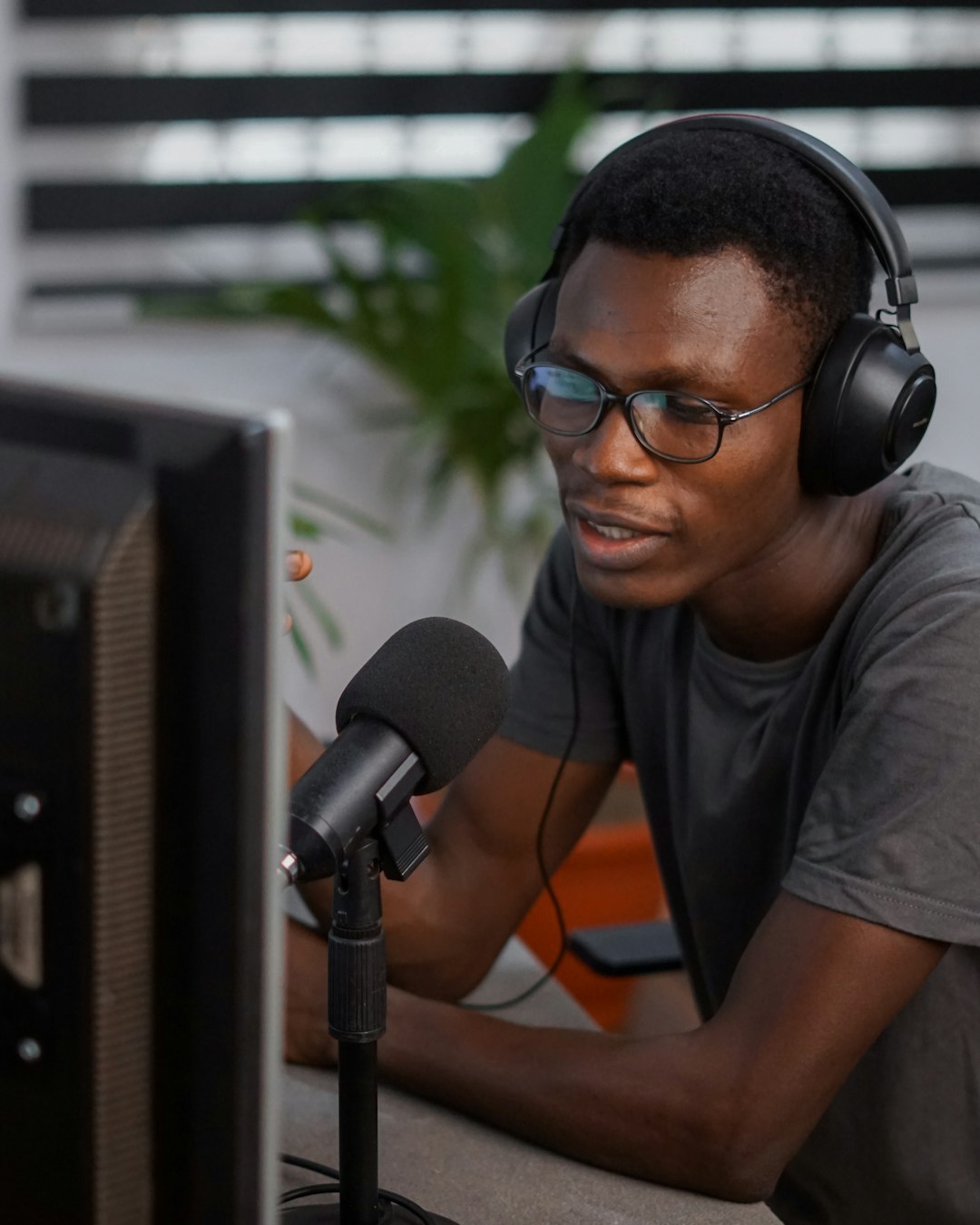
The music production landscape has undergone a significant transformation over the years, with the rise of free and affordable software and hardware options. According to Wikipedia, the first digital audio workstation (DAW) was introduced in the 1970s, but it wasn’t until the 1990s that consumer-level DAWs became available. Today, we have a plethora of free DAWs to choose from, including Audacity, GarageBand, and Cakewalk by BandLab.
The Early Days of DAWs
In the early days of DAWs, music production was a costly and time-consuming process. Only professional studios and artists could afford the expensive hardware and software required to produce high-quality music. However, with the advent of free and open-source DAWs, the playing field has been leveled, and anyone can now create and produce music without breaking the bank.
🧐 Unpacking ‘Free’: What Does Recording a Song for Zero Bucks Truly Entail?
When we say “free,” we mean it. You can record a song without spending a single penny. But, what does that really mean? Let’s break it down:
- Free software: You can use free DAWs like Audacity or GarageBand to record and produce your music.
- Free instruments: You can use virtual instruments or plug-ins to create your sound without having to purchase physical instruments.
- Free effects: You can use free effects plugins to enhance your sound and add depth to your music.
🎸 The Bare Necessities: What ‘Free’ Recording Still Needs (Spoiler: Not Much!)
While you can record a song for free, there are still some basic necessities you’ll need to get started:
- A computer or device: You’ll need a computer, tablet, or smartphone to run your DAW and record your music.
- A microphone: You’ll need a microphone to capture your sound. You can use a built-in mic or invest in a separate one.
- Headphones or speakers: You’ll need headphones or speakers to monitor your sound and make adjustments as needed.
1. Your Digital Playground: Top Free Digital Audio Workstations (DAWs) to Get Started! 🚀
Here are some of the top free DAWs to get you started:
Audacity: The OG Open-Source Audio Editor
| Aspect | Rating (1-10) |
|---|---|
| Design | 8 |
| Functionality | 9 |
| User Interface | 7 |
| Compatibility | 9 |
| Audacity is a free, open-source DAW that’s been around since 2000. It’s available for Windows, macOS, and Linux, and offers a wide range of features, including: |
- Multi-track recording: Record and edit multiple tracks simultaneously.
- Effects and plugins: Use built-in effects and plugins to enhance your sound.
- Spectral editing: Edit your audio in the frequency domain.
You can download Audacity from the official website.
GarageBand: Apple’s Gift to Aspiring Musicians
| Aspect | Rating (1-10) |
|---|---|
| Design | 9 |
| Functionality | 8 |
| User Interface | 8 |
| Compatibility | 6 |
| GarageBand is a free DAW developed by Apple, exclusively for macOS and iOS devices. It offers a user-friendly interface and a wide range of features, including: |
- Virtual instruments: Use built-in virtual instruments to create your sound.
- Loops and samples: Use pre-recorded loops and samples to add depth to your music.
- Effects and plugins: Use built-in effects and plugins to enhance your sound.
You can download GarageBand from the App Store.
Cakewalk by BandLab: A Full-Featured Powerhouse for Windows
| Aspect | Rating (1-10) |
|---|---|
| Design | 8 |
| Functionality | 9 |
| User Interface | 8 |
| Compatibility | 7 |
| Cakewalk by BandLab is a free DAW developed by BandLab, exclusively for Windows. It offers a wide range of features, including: |
- Multi-track recording: Record and edit multiple tracks simultaneously.
- Effects and plugins: Use built-in effects and plugins to enhance your sound.
- Spectral editing: Edit your audio in the frequency domain.
You can download Cakewalk by BandLab from the official website.
2. Unleash Your Inner Orchestra: Finding Free Virtual Instruments and Royalty-Free Samples 🎹
Here are some top resources for free virtual instruments and royalty-free samples:
- MT Power Drum Kit: A free drum kit plugin with a wide range of sounds and features.
- TyrellN6: A free analog synth plugin with a wide range of sounds and features.
- 99 Drum Machines: A free sample pack with a wide range of drum machine sounds.
You can find these resources and more on websites like 99 Drum Machines and MT Power Drum Kit.
3. Sonic Sculpting: Essential Free Effects Plugins to Polish Your Sound ✨
Here are some top free effects plugins to enhance your sound:
- Otto: A free reverb plugin with a wide range of sounds and features.
- Nova: A free EQ plugin with a wide range of sounds and features.
- FETCompressor: A free compressor plugin with a wide range of sounds and features.
You can find these plugins and more on websites like Otto and Nova.
🎤 Mic Check, One Two: Recording Vocals and Instruments Without Breaking the Bank
Here are some tips for recording vocals and instruments without breaking the bank:
- Use a built-in mic: If you’re just starting out, use a built-in mic to record your vocals or instruments.
- Invest in a budget-friendly mic: If you want to upgrade your sound quality, invest in a budget-friendly mic like the Blue Yeti.
- Use a USB mic: USB mics like the Rode NT-USB are easy to use and offer high-quality sound.
Your Smartphone as a Surprisingly Capable Mic 📱
Did you know that your smartphone can be used as a mic? Here are some tips for using your smartphone as a mic:
- Use a mic app: Download a mic app like ShurePlus MOTIV to record high-quality audio on your smartphone.
- Invest in a smartphone mic attachment: Invest in a smartphone mic attachment like the Shure MVL to enhance your sound quality.
DIY Mic Hacks: Get Creative with What You Have 🛠️
Here are some DIY mic hacks to get you started:
- Use a cardboard tube: Use a cardboard tube as a makeshift mic stand to reduce vibrations and improve sound quality.
- Use a blanket: Use a blanket to reduce echo and improve sound quality.
Budget-Friendly Mic Alternatives: When You’re Ready for a Tiny Step Up
Here are some budget-friendly mic alternatives:
- Blue Snowball: A budget-friendly USB mic with high-quality sound and a compact design. 👉 CHECK PRICE on: Amazon | Guitar Center | Blue Official
- Rode NT-USB: A budget-friendly USB mic with high-quality sound and a compact design. 👉 CHECK PRICE on: Amazon | Guitar Center | Rode Official
🏠 Transforming Your Space: DIY Acoustic Treatment on a Shoestring Budget
Here are some DIY acoustic treatment tips to transform your space:
- Use blankets: Use blankets to reduce echo and improve sound quality.
- Use foam panels: Use foam panels to reduce echo and improve sound quality.
You can find more DIY acoustic treatment tips on websites like DIY Acoustic Treatment and Acoustic Treatment Guide.
🎚️ The Final Polish: Mixing and Mastering Your Tracks for Free (Yes, Really!)
Here are some free mixing and mastering resources:
- Landr: A free online mixing and mastering platform with a wide range of features and tools. 👉 CHECK PRICE on: Landr | Landr Official
- Ozone: A free mixing and mastering plugin with a wide range of features and tools. 👉 CHECK PRICE on: iZotope | iZotope Official
🤝 Team Up for Free: Online Collaboration Tools for Your Musical Crew
Here are some free online collaboration tools:
- BandLab: A free online collaboration platform with a wide range of features and tools. 👉 CHECK PRICE on: BandLab | BandLab Official
- Soundtrap: A free online collaboration platform with a wide range of features and tools. 👉 CHECK PRICE on: Soundtrap | Soundtrap Official
🌍 From Your Hard Drive to the World: Free Music Distribution and Promotion Platforms
Here are some free music distribution and promotion platforms:
- Bandcamp: A free music distribution platform with a wide range of features and tools. 👉 CHECK PRICE on: Bandcamp | Bandcamp Official
- SoundCloud: A free music distribution platform with a wide range of features and tools. 👉 CHECK PRICE on: SoundCloud | SoundCloud Official
⬆️ Beyond the Basics: Leveling Up Your Free Recording Game
Here are some tips for leveling up your free recording game:
- Invest in a better mic: Invest in a better mic to improve your sound quality.
- Use a preamp: Use a preamp to improve your sound quality.
- Experiment with effects: Experiment with effects to enhance your sound.
🧠 Workflow Wizardry: Optimizing Your Free Setup for Maximum Creativity
Here are some workflow optimization tips:
- Use a template: Use a template to streamline your workflow and improve your productivity.
- Use a workflow app: Use a workflow app like Trello to organize your tasks and improve your productivity.
📚 Community & Knowledge: Where to Learn and Grow (for Free!)
Here are some free resources for learning and growing:
- YouTube: A free video-sharing platform with a wide range of tutorials and lessons. Check out our Instrument Tutorials for more information.
- Udemy: A free online learning platform with a wide range of courses and tutorials. Check out our Music Industry Insights for more information.
💰 The Upgrade Question: When ‘Free’ Isn’t Enough (and Why That’s Okay!)
Here are some tips for upgrading your setup:
- Invest in a better DAW: Invest in a better DAW to improve your sound quality and workflow.
- Use a better mic: Use a better mic to improve your sound quality.
- Experiment with new effects: Experiment with new effects to enhance your sound.
🐉 Beware the Dragon: Common Pitfalls in Free Music Production (and How to Slay Them!)
Here are some common pitfalls in free music production:
- Poor sound quality: Poor sound quality can ruin your music. Invest in a better mic and DAW to improve your sound quality.
- Limited features: Limited features can limit your creativity. Experiment with different DAWs and plugins to find the ones that work best for you.
🌟 From Bedroom to Billboard: Inspiring Success Stories from Free Recording Setups
Here are some inspiring success stories from free recording setups:
- Billie Eilish: Billie Eilish recorded her debut album in her bedroom using a free DAW and a budget-friendly mic.
- Tame Impala: Tame Impala’s Kevin Parker recorded his debut album in his bedroom using a free DAW and a budget-friendly mic.
Conclusion
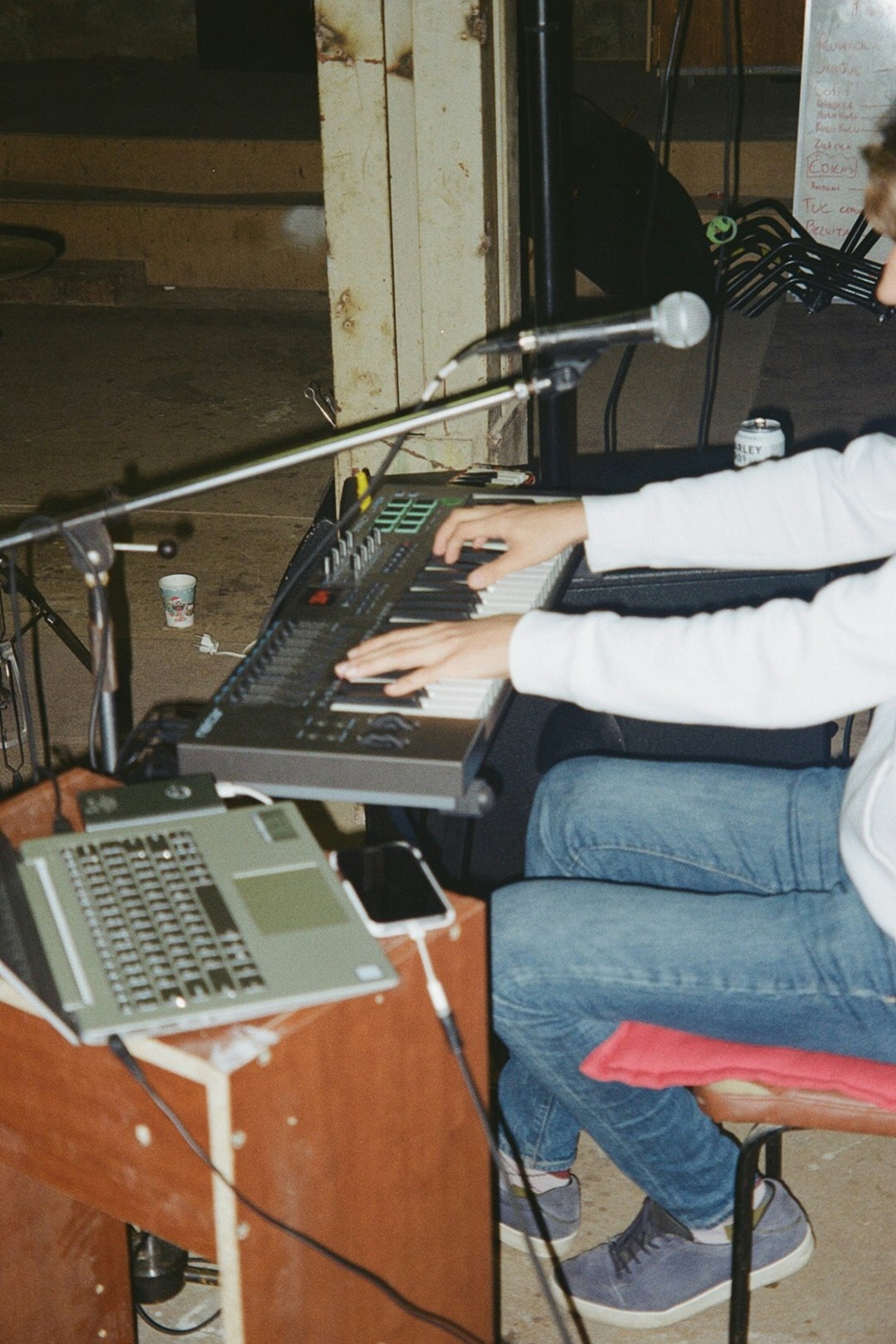
So, can you really record a song for free? Absolutely! As we’ve explored, the tools and resources available today make it easier than ever to create professional-sounding music without spending a dime. From powerful free DAWs like Audacity and Cakewalk by BandLab to free virtual instruments and effects plugins, your creative studio can fit right inside your laptop or smartphone.
Positives:
- Accessibility: Free software like Audacity and BandLab democratizes music production, welcoming beginners and pros alike.
- Functionality: Many free DAWs offer multi-track recording, plugin support, and even mastering services.
- Community & Collaboration: Platforms like BandLab enable you to collaborate globally, share your music instantly, and keep 100% of your earnings.
- Flexibility: Use your smartphone as a mic or DIY acoustic treatments to enhance your recordings without costly gear.
Negatives:
- Learning Curve: Some free DAWs have interfaces that can feel overwhelming at first.
- Hardware Limitations: Free software can’t fully compensate for poor recording environments or low-quality microphones.
- Feature Caps: While free tools are powerful, advanced features and professional-grade plugins often require paid upgrades.
At Make a Song™, we confidently recommend starting with free DAWs like BandLab or Audacity to get your feet wet. Pair these with budget-friendly microphones or even your smartphone mic, and you’re set to unleash your creativity. Remember, the magic lies in your ideas and persistence—not the price tag on your gear.
Ready to dive deeper? Check out our detailed guides on DIY Recording Studio and Instrument Tutorials to keep leveling up your skills.
Recommended Links
Microphones:
- Blue Yeti: Amazon | Guitar Center | Blue Official Website
- Rode NT-USB: Amazon | Guitar Center | Rode Official Website
- Blue Snowball: Amazon | Guitar Center | Blue Official Website
Digital Audio Workstations (DAWs):
- Audacity: Official Website
- GarageBand: Apple App Store
- Cakewalk by BandLab: BandLab Official
- BandLab: BandLab Official
- Soundtrap: Soundtrap Official
Books for Further Learning:
- The Music Producer’s Handbook by Bobby Owsinski — Amazon
- Mixing Secrets for the Small Studio by Mike Senior — Amazon
- Home Recording for Musicians for Dummies by Jeff Strong — Amazon
FAQ
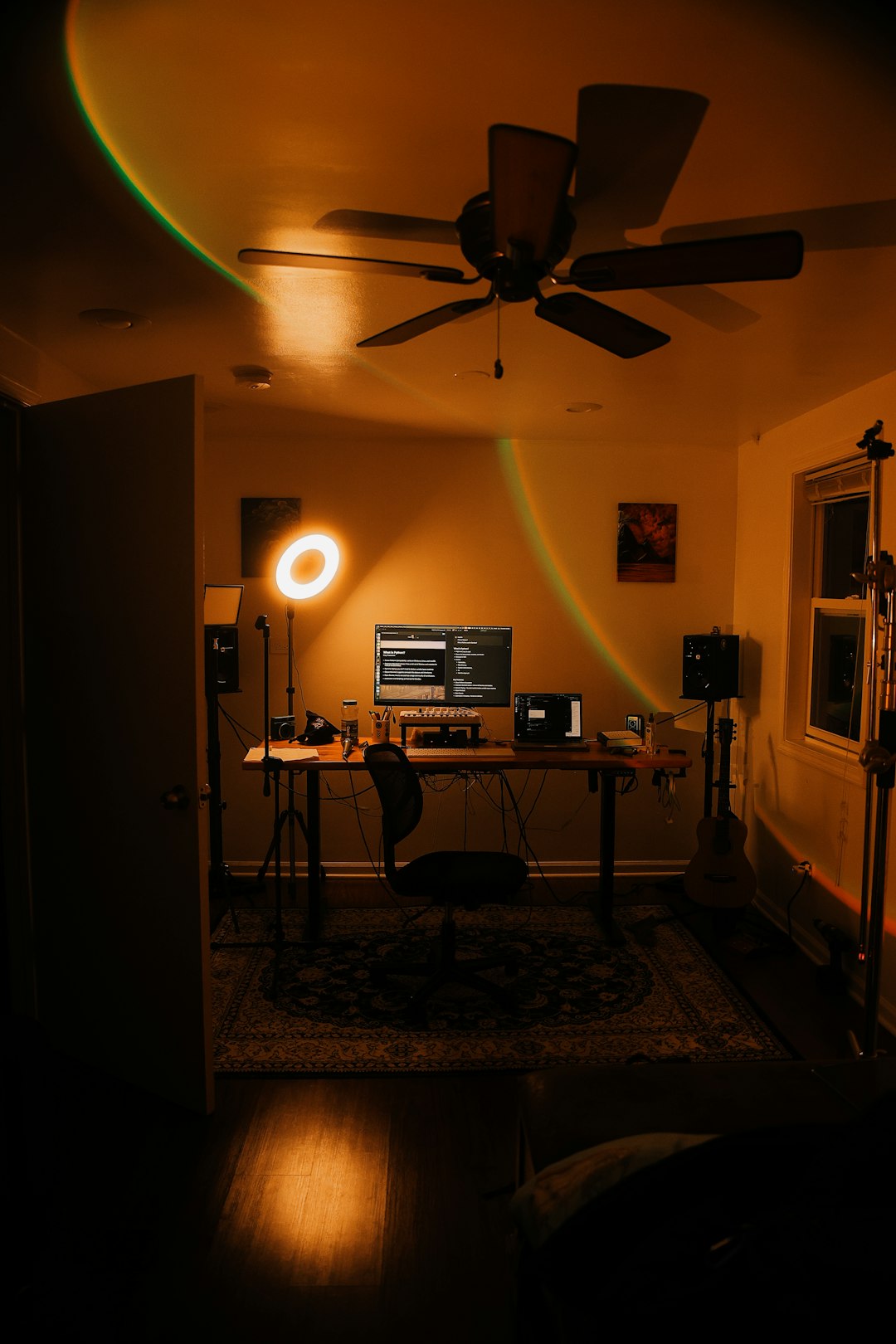
What equipment do I need to record a song at home?
At minimum, you need:
- A computer, tablet, or smartphone capable of running recording software.
- A microphone (built-in or external) to capture vocals or instruments.
- Headphones or speakers for monitoring your recordings.
- Optional: Audio interface for connecting professional mics/instruments, and acoustic treatment to improve sound quality.
Why?
Your device runs the DAW software, the mic captures sound, and headphones let you hear what you’re recording without feedback. While professional gear enhances quality, many successful artists started with just these basics.
Read more about “How Do I Make My Own Music? 🎶 10 Expert Steps for 2025”
How can I record a song on my computer for free?
Step-by-step:
- Download a free DAW like Audacity or use an online platform like BandLab.
- Connect your microphone or use your computer’s built-in mic.
- Set up your track(s) in the DAW.
- Hit record and perform your song.
- Edit, mix, and export your track—all within the free software.
Why this works:
Free DAWs provide all the essential tools to record, edit, and export audio. Platforms like BandLab add cloud storage and collaboration features, making the process seamless and accessible.
Read more about “7 Best Ways to Get a Free Personalized Song in 2025 🎵”
What are the best free music recording software options?
Top picks:
- Audacity: Great for beginners and advanced users; open-source and cross-platform.
- GarageBand: Ideal for Mac/iOS users; user-friendly with virtual instruments.
- Cakewalk by BandLab: Full-featured DAW for Windows users.
- BandLab Studio: Browser and mobile-based DAW with collaboration tools.
- Soundtrap: Cloud-based DAW with easy sharing and collaboration.
Why these?
They balance ease of use, functionality, and community support. Each has unique strengths, so try a few to see which fits your workflow best.
Read more about “AI Music from Text: 10+ Generators (2025) 🎶”
Can I record a song on my phone and still have good quality?
✅ Yes! Modern smartphones have surprisingly capable microphones. Apps like ShurePlus MOTIV or BandLab let you record multi-track songs with decent quality.
Tips for better quality:
- Use an external mic attachment like the Shure MVL.
- Record in a quiet, acoustically treated space (even blankets help).
- Use headphones to monitor and avoid feedback.
Why this matters:
Smartphone recording breaks down barriers, letting you capture inspiration anytime, anywhere. Many hit songs started as phone recordings!
How do I collaborate with other musicians for free?
Use platforms like:
- BandLab: Offers real-time collaboration with up to 50 users per project.
- Soundtrap: Cloud-based DAW with easy sharing and multi-user editing.
- Audiotool: Browser-based DAW with social features.
Why collaborate online?
It expands your creative circle globally, speeds up feedback, and helps you learn new techniques—all without leaving your home.
Read more about “10 Best Lyric to Song Converters You Must Try in 2025 🎤”
Are free plugins and virtual instruments any good?
Absolutely! Many free plugins like MT Power Drum Kit, TyrellN6 synth, and TDR Nova EQ rival paid counterparts. They can add professional polish and creative flair.
Pro tip:
Start with free plugins to learn sound design and mixing basics. As you grow, you can selectively invest in premium plugins for specific needs.
Read more about “How to Create Your Own Song: 10 Proven Steps to Shine in 2025 🎶”
Reference Links
- Audacity Official Website
- BandLab – Make Music Online
- GarageBand on Apple
- Cakewalk by BandLab
- Soundtrap by Spotify
- Shure Microphones
- Blue Microphones
- Rode Microphones
- MT Power Drum Kit
- 99 Drum Machines
- Landr Mastering
- iZotope Ozone
- DIY Acoustic Treatment Guide
- Trello Workflow App
Ready to make your own song? Dive in, experiment, and remember: the best studio is the one you have with you. 🎧🎤🎹

